


Fixing the “Cold Feet” Problem in High-Ceiling Rooms
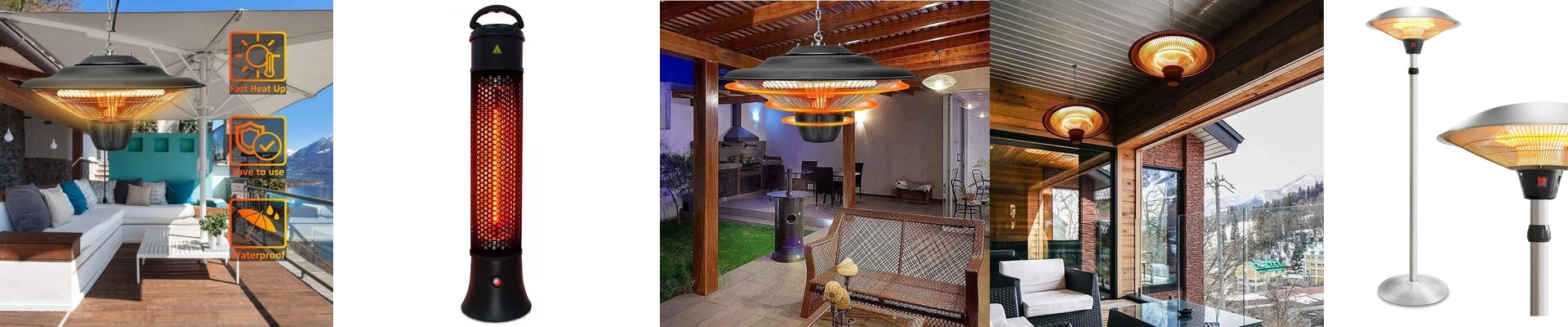
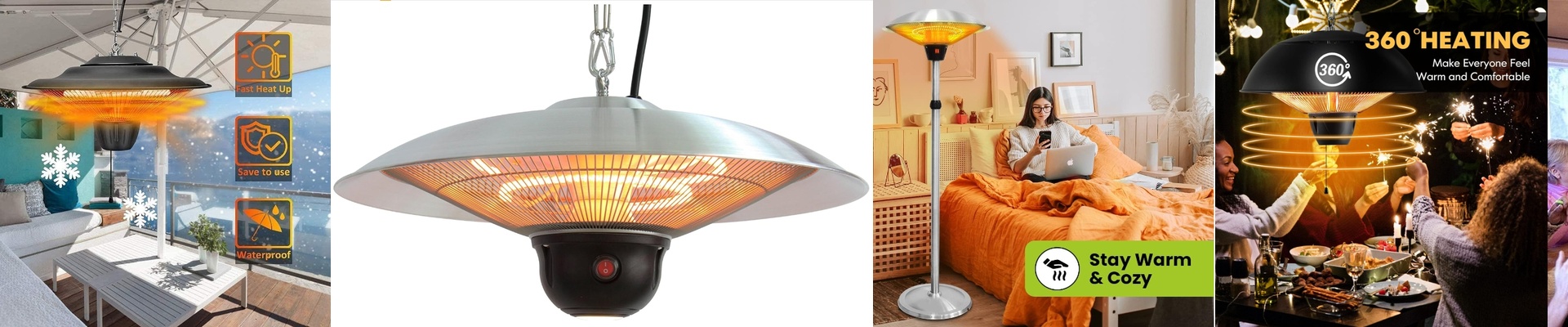
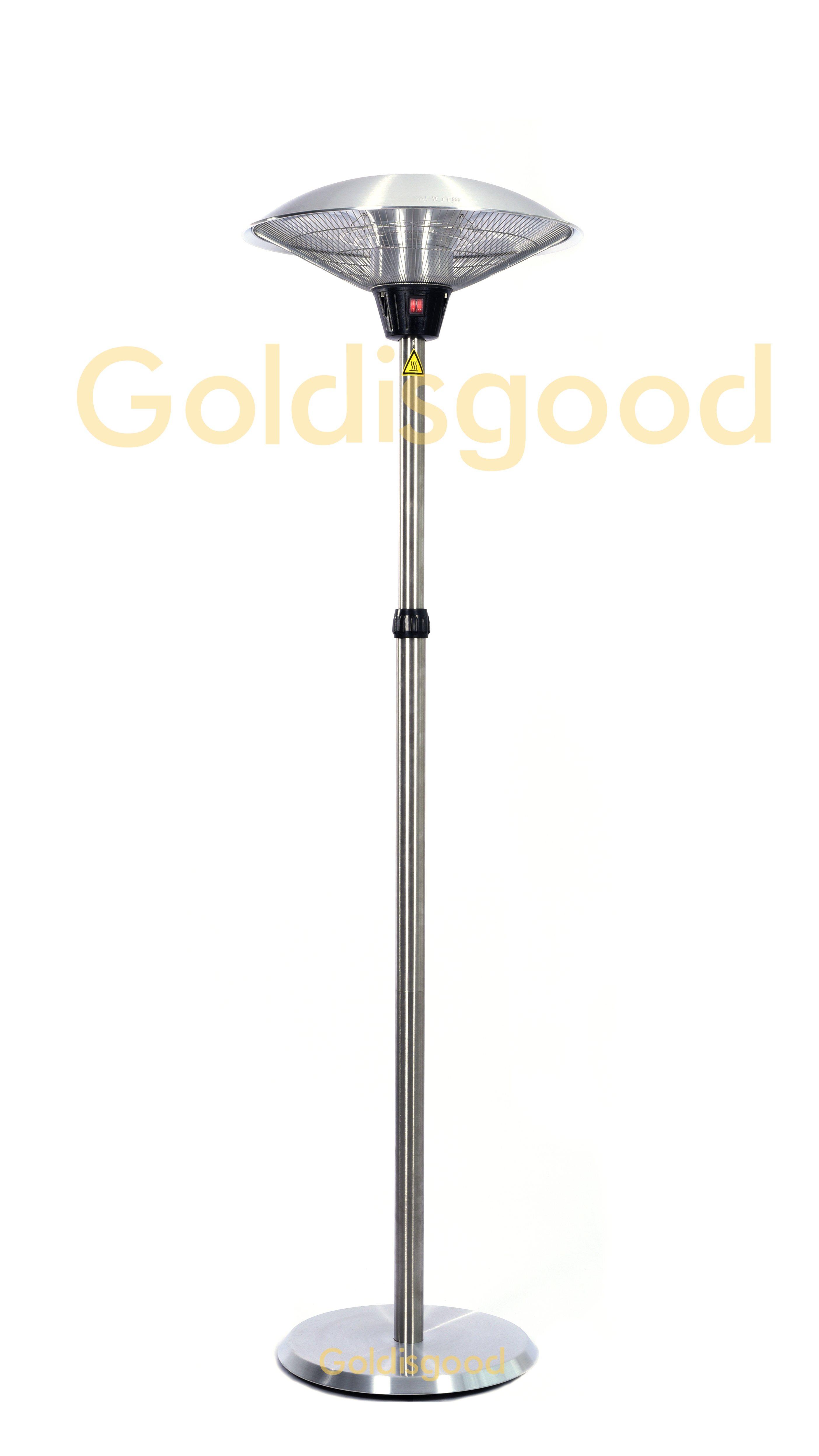
If you live in a loft or work in an industrial shop, you know the struggle. You crank up the heat, but all that warmth just floats up to the ceiling. Meanwhile, you’re standing on the floor shivering. It’s frustrating. The trick to fixing this isn’t more air—it’s infrared (IR) heating. Instead of trying to warm the whole room, IR beams heat actually hit you and your furniture directly. It’s like stepping into a patch of sunlight on a winter day. But to make it actually work for your life, you need to get it talking to your smart home.
The Hardware Part (Don’t skip this)
Here is the thing: you can’t just plug a heavy-duty IR heater into a cheap smart plug. You’ll probably fry the socket. These heaters pull a ton of power. To do it right, we use heavy-duty relays or smart contactors. Think of these as the “muscle” that handles the electricity, while your Zigbee or Matter hub acts as the “brain.” When you tell your app or voice assistant to turn the heat on, the relay snaps shut. The result? You get warmth in seconds. No waiting for a furnace to kick in.
Making It Automatic
Tapping a button is fine, but why do that when the house can just think for you? We usually wire in some motion sensors and temperature probes. We set it up so the heat only kicks in if two things are true: someone is actually in the room, and it’s dropped below 18°C. It’s a simple setup, but it saves you from wasting a fortune heating an empty workshop at 3 AM.
A Few Real-World Tips
IR heaters are powerful. Really powerful. But there is a catch. If you’re standing right under the lamp, it can feel a bit too intense—almost oppressive. To stop that “hot spot” feeling, I recommend using dimmable controllers. It lets you dial the heat back until it feels just right for your specific ceiling height. One last thing: make sure your wiring is thick enough for the load. You don’t want voltage drops or overheating wires just because you wanted a cozy office. Get the gauge right, and you’re golden.